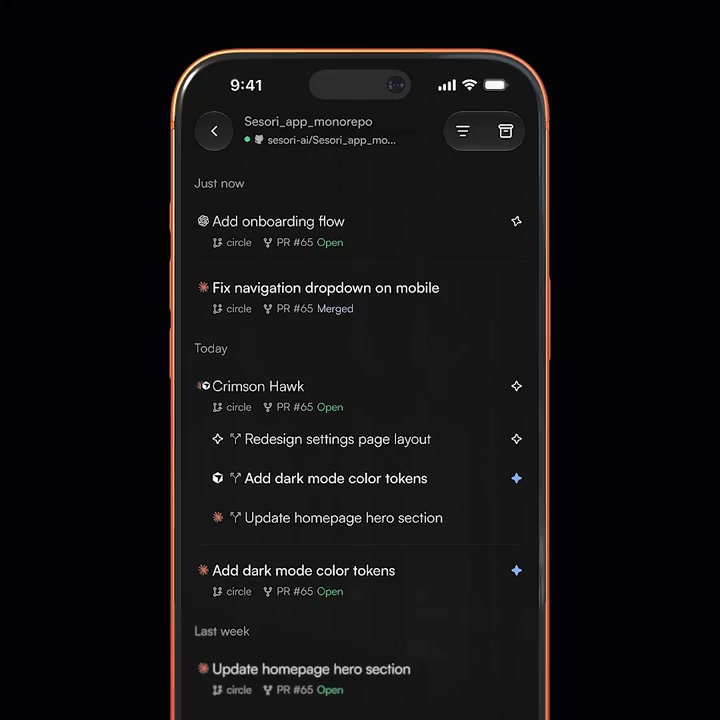
Continue where you left off
Step away from your laptop.
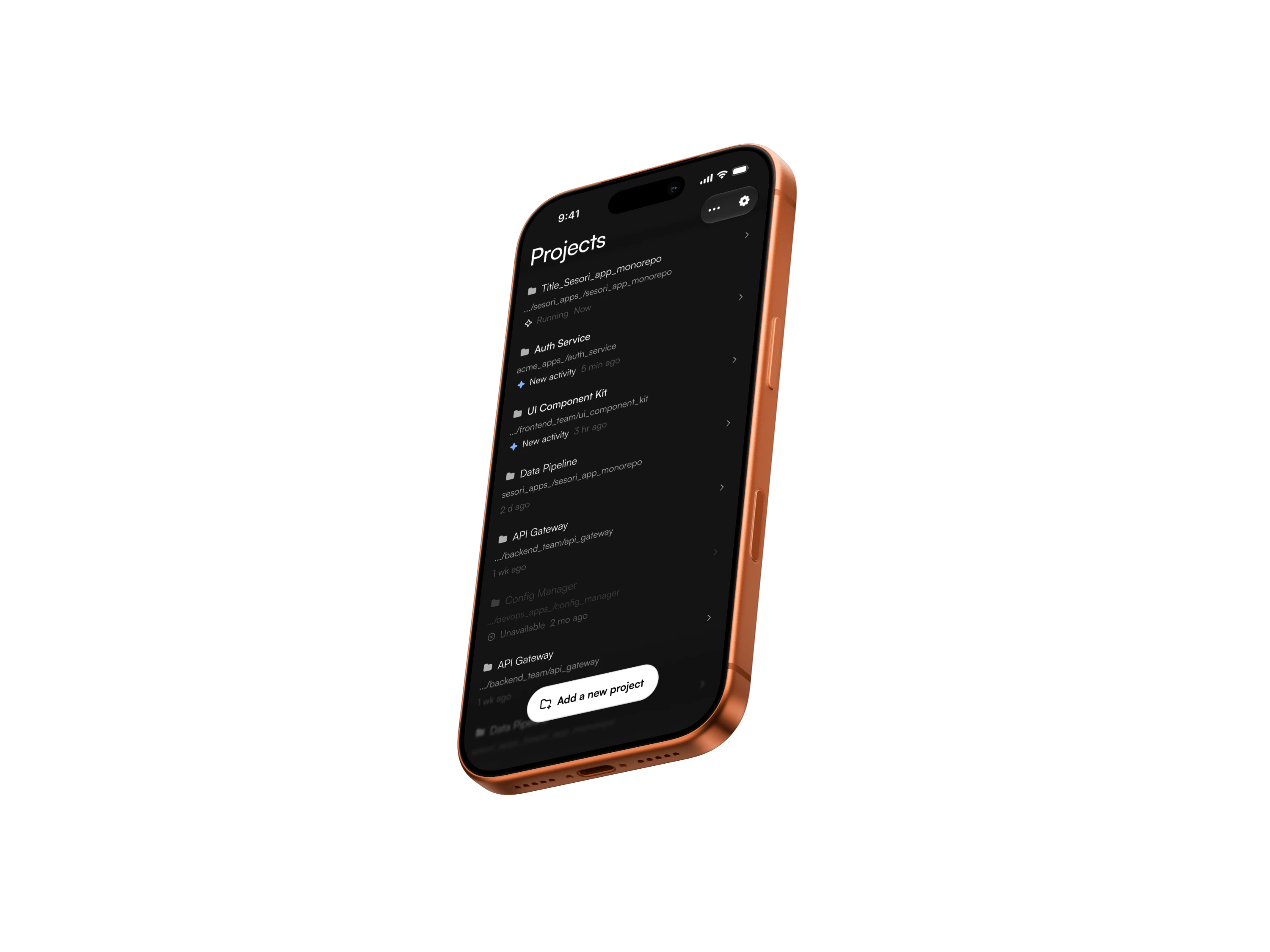
Continue the same session on your phone.
 Sesori


Need help? Read the docs

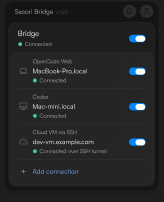
Use the computer where your coding assistant runs. Keep the Bridge running and the computer awake and online.
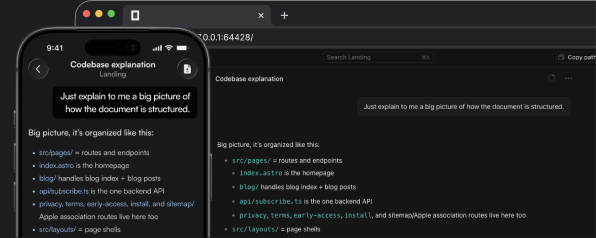
Step away from your laptop.
Continue the same session on your phone.
Connect OpenCode, Codex, GitHub Copilot, Cursor, Claude Code, Pi, OMP, Hermes, DeepSeek, or Grok Build without changing your desktop setup.
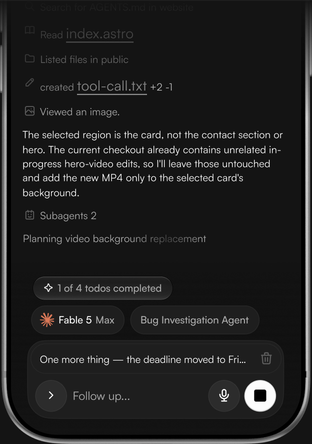
One familiar workflow on your phone.
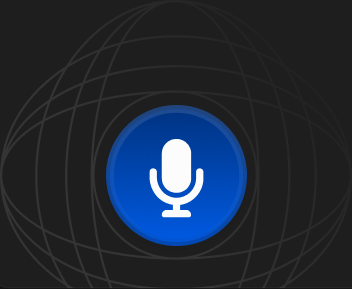
Send instructions and answer prompts by voice when a keyboard is out of reach.
Ordinary session payloads are end-to-end encrypted between your phone and Bridge. The relay carries ciphertext, not the code, prompts, or responses inside them.
The relay handles account identity, routing, and setup keys.
Some features use readable data.
Security details →
Move between OpenCode, Codex, GitHub Copilot, Cursor, Claude Code, Pi, OMP, Hermes, DeepSeek, and Grok Build without changing your mobile workflow. More integrations will follow.

See changed files and inspect the diff from your phone. Commit and push from your normal development workflow after the work is ready.
Speak prompts and replies without typing.
Voice is transcribed through Sesori’s hosted service. Privacy details.
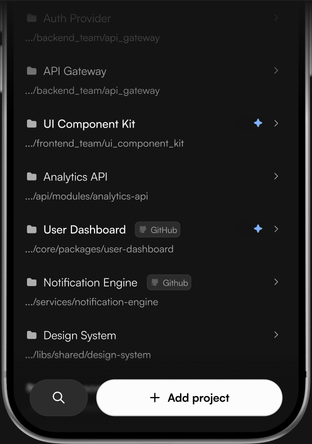
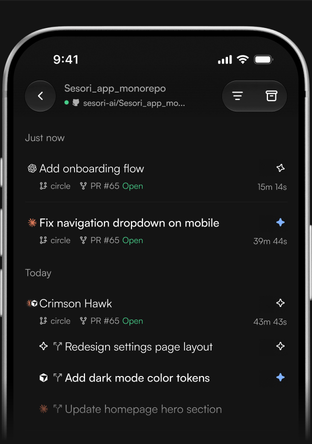
The Bridge brings projects, sessions, and live progress to your phone—all in one app.
Sesori links your phone through the relay to the Bridge on your computer. The Bridge connects locally to your coding assistant, beside your existing repository and toolchain.
The essentials for getting Sesori running and keeping your sessions private.
Explore the docssesori-bridge logout.
All your AI harnesses in one app. Add the Bridge. Keep the next prompt within reach.